All Intelligent Nudges users can set their coaching preferences, which can be updated at any time.
This article walks through:

Set Coaching Preferences
Navigate to the Act page.
At the top of the page, click Coaching Preferences.
The Coaching Preferences dialog box appears.
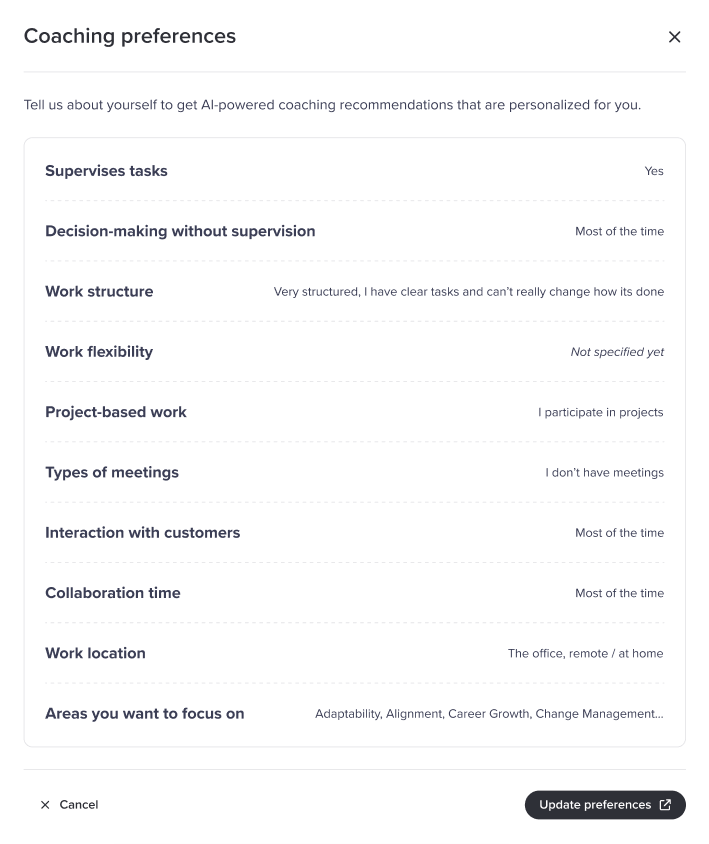
Click Update Preferences.
A short survey begins to collect information about your preferences. You can provide completely optional, voluntary information about your role and select up to three personal focus areas. This information is used to further personalize the nudges and coaching you receive.
Was this article helpful?
That’s Great!
Thank you for your feedback
Sorry! We couldn't be helpful
Thank you for your feedback
Feedback sent
We appreciate your effort and will try to fix the article