In this update, you’ll find high-level summaries of the latest platform features and enhancements. We’ve also included links to Knowledge Base articles for detailed instructions on how to make the most of these updates.
Unless otherwise noted, the following features support Perceptyx Platform 2.5 and are available based on permissions and subscriptions purchased.
Come explore the new features in our platform workspaces:
We’d love to hear your thoughts on these new features and improvements. Share your feedback with us!
User Roles: Admins, Creators
Required Subscription(s): Platform, Point-In-Time/Lifecycle
Listening event creators can now choose whether page titles display to participants during event completion. This provides greater flexibility when designing listening event layouts and creates a cleaner participant experience.
What’s New
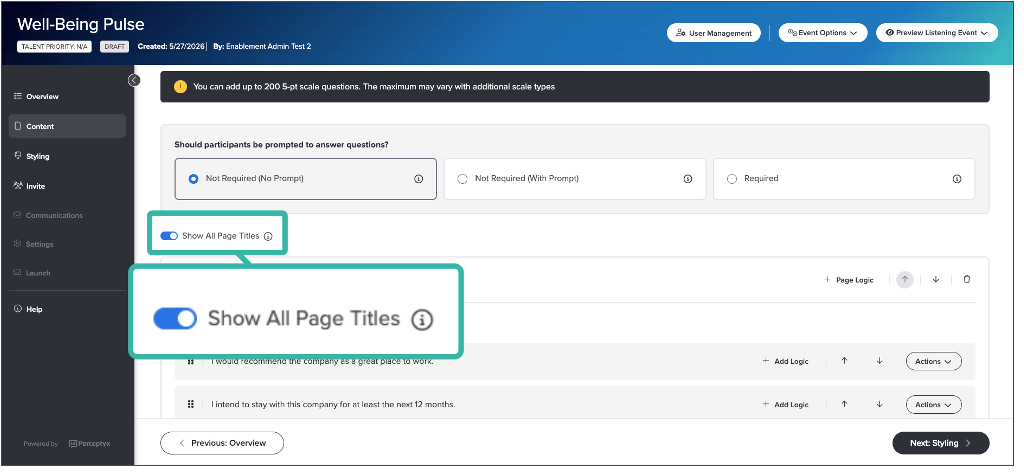
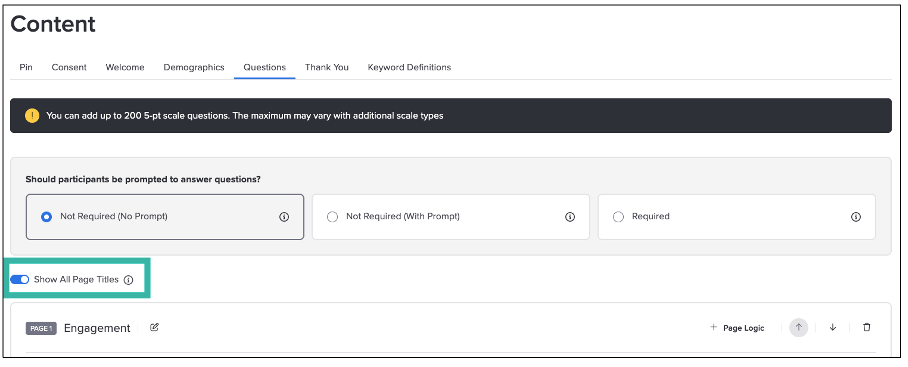
Optional page title display: A new Show All Page Titles toggle allows creators to control whether page titles appear during the participant experience.
Accessibility guidance: An informational tooltip recommends displaying page titles to support accessibility best practices.
How it Works
Creators can manage page title visibility directly from the Questions page in the Event Builder.
Default behavior: Page titles display by default for all listening events.
Show or hide titles: Use the Show All Page Titles toggle to control whether page titles appear to participants during event completion.
Accessibility recommendation: Hover over the information icon next to the toggle to view accessibility guidance related to page titles.
For more details and step-by-step instructions, see the Add & Manage Question Pages | Point-In-Time & Lifecycle Knowledge Base article.
➡️ Enhanced Listening Event Experience
User Roles: Admins, Creators, Participants
Required Subscription(s): Platform, Point-In-Time/Lifecycle
Listening events now include a refreshed participant experience with improvements to navigation, branding, preview clarity, error messaging, and page presentation. These updates help create a cleaner, more intuitive experience for both participants and event creators.
What’s New
For Event Creators
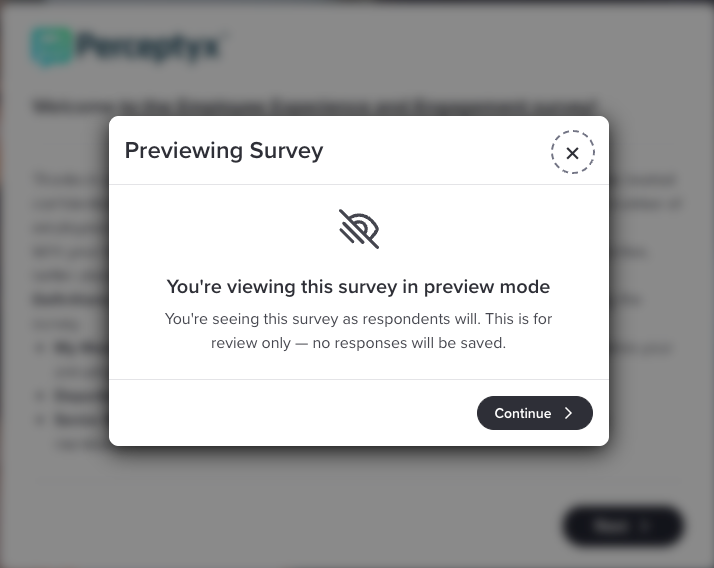
Improved preview experience: A new Preview Survey modal makes it clear when creators (or others) are previewing a listening event rather than submitting responses.
Cleaner page presentation: Event creators can now hide page titles to simplify the participant experience.
For Participants
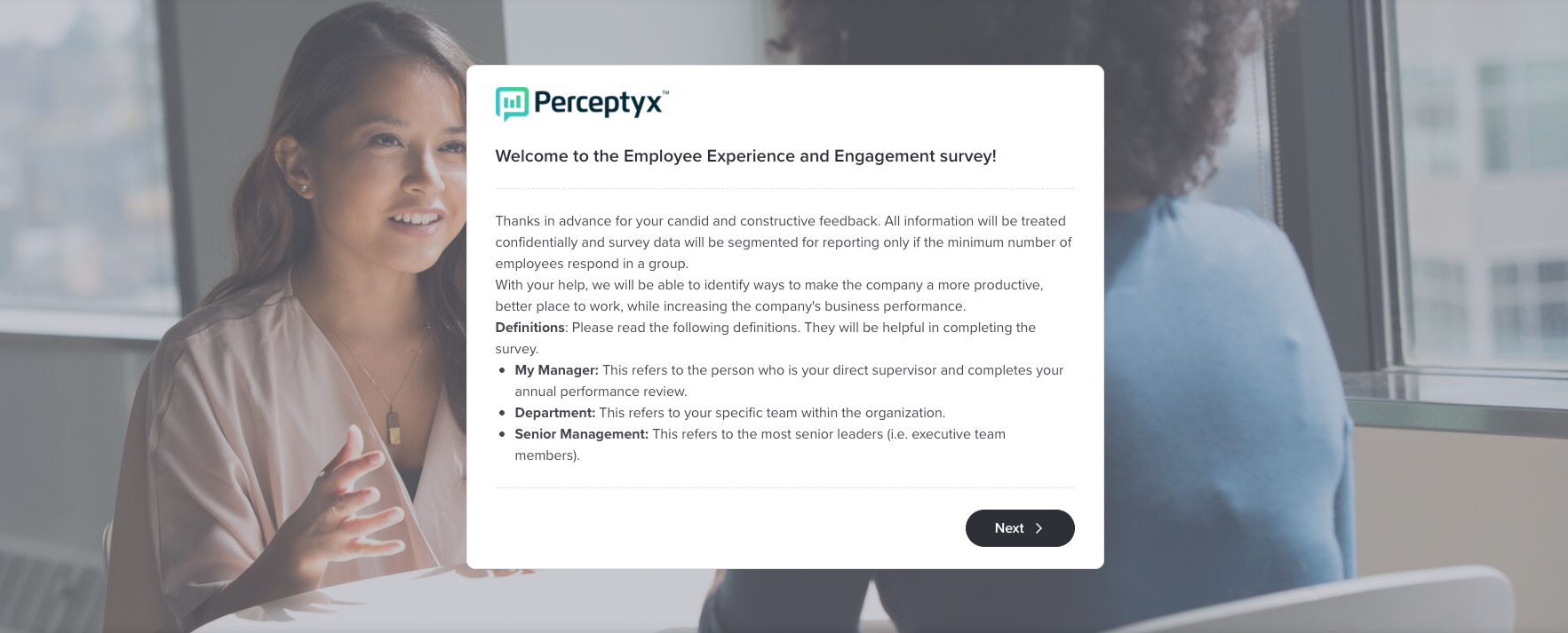
Improved branding visibility: Customer logos now display more prominently throughout the listening event experience, including within page content areas and question-page navigation.
Refined navigation and progress tracking: Progress indicators now display in the global navigation during event completion for a more consistent experience across pages.
Improved required-question guidance: Validation messaging now more clearly identifies unanswered required questions and where attention is needed.
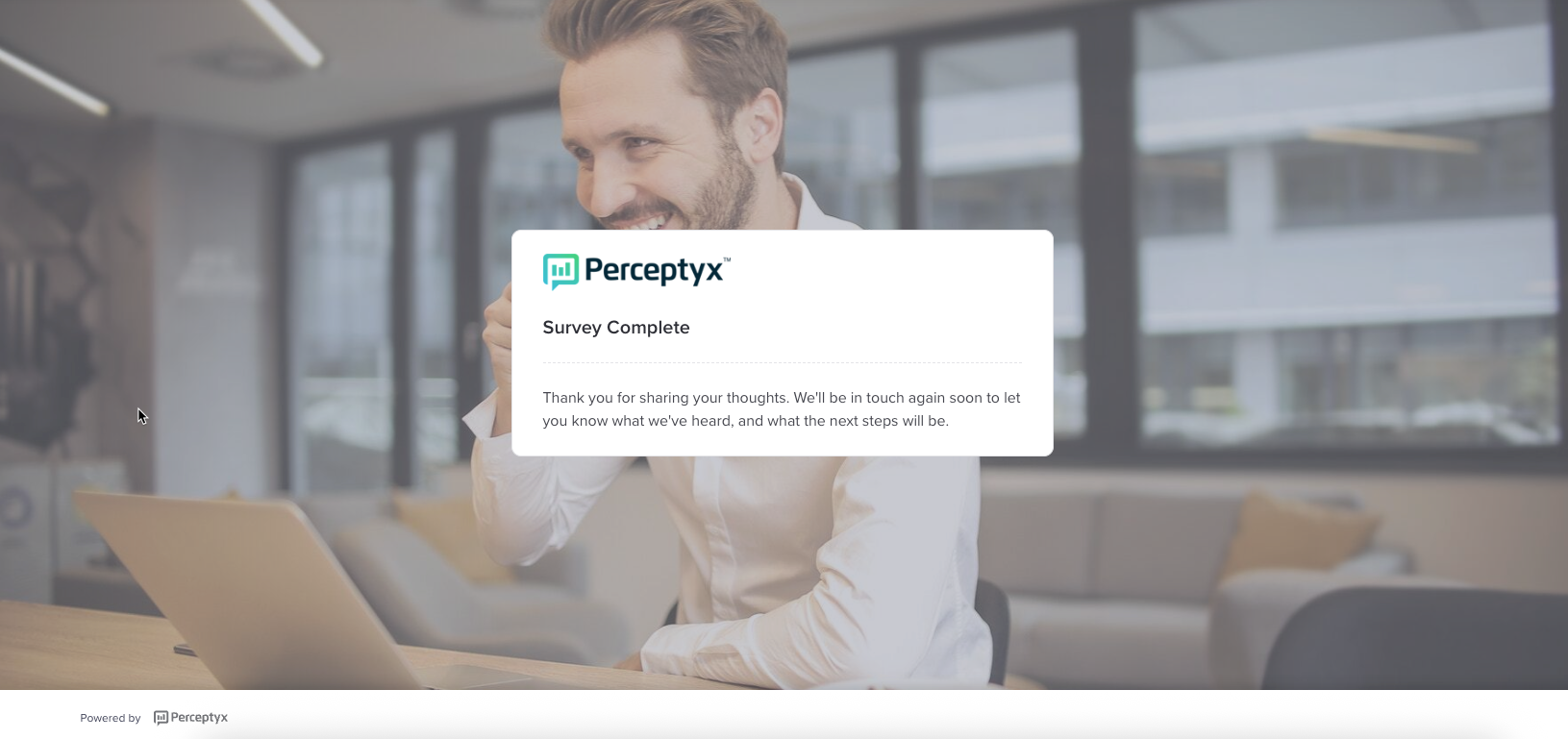
Simplified completion experience: Listening events now end with a streamlined thank-you message experience.
How it Works
The updated experience introduces clearer preview guidance, more flexible page presentation options, and refined navigation and validation behavior throughout the listening event flow.
Preview mode: Creators must acknowledge a Preview Survey modal before entering preview mode; responses selected during preview are not saved.
Branding and navigation updates: Customer logos now appear more prominently throughout the listening event experience. Logos display within page content areas for non-question pages and within the global navigation for question pages, along with progress indicators.
Page display options: Creators can choose whether page titles appear within the listening event.
Validation feedback: If a participant attempts to continue without answering a required question, the relevant question and response area are highlighted directly on the page with explanatory messaging.
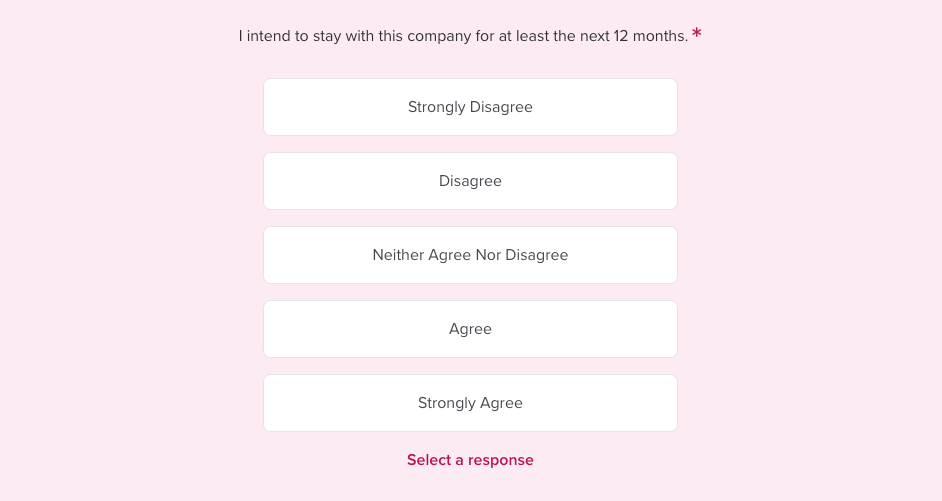
Completion state: Participants see a simplified thank-you message when the listening event is complete.
User Roles: Admins, Creators
Required Subscription(s): Platform, Lifecycle
Lifecycle listening events now support an Annually qualifier for sensor configuration, enabling the platform to automatically send survey invitations each year on the date that matches an employee's value for a specified date field, such as Hire Date. This eliminates the need for custom calculated fields or Professional Services involvement to set up anniversary surveys.
What’s New
New Annually qualifier for lifecycle sensors: A new Annually qualifier is now available in sensor configuration. When selected, the platform sends a survey invitation each year on the anniversary of the employee's value for the specified date field.
Support for traditional and conversational events: Annual recurrence is available for both traditional lifecycle listening events and conversational listening events (CLA).
Required Resurvey configuration: When you select the Annually qualifier, the platform displays a confirmation message indicating that the Resurvey Employees setting must be enabled. Once activated, this setting cannot be turned off.
How it Works
When the Annually qualifier is configured, the platform evaluates your employee data feed each day and sends an invitation to any employee whose specified date field matches the current month and day.
Configure annual recurrence: In the sensor configuration, set the Condition to the relevant date field (for example, Hire Date) and the Qualifier to Annually.
Enable Resurvey Employees: Selecting the Annually qualifier triggers a confirmation message requiring you to acknowledge that the Resurvey Employees setting must be enabled before you can proceed. Note that once this setting is activated, it cannot be turned off.
Example: If an employee's Hire Date is September 16, they will automatically receive the listening event invitation each year on September 16.
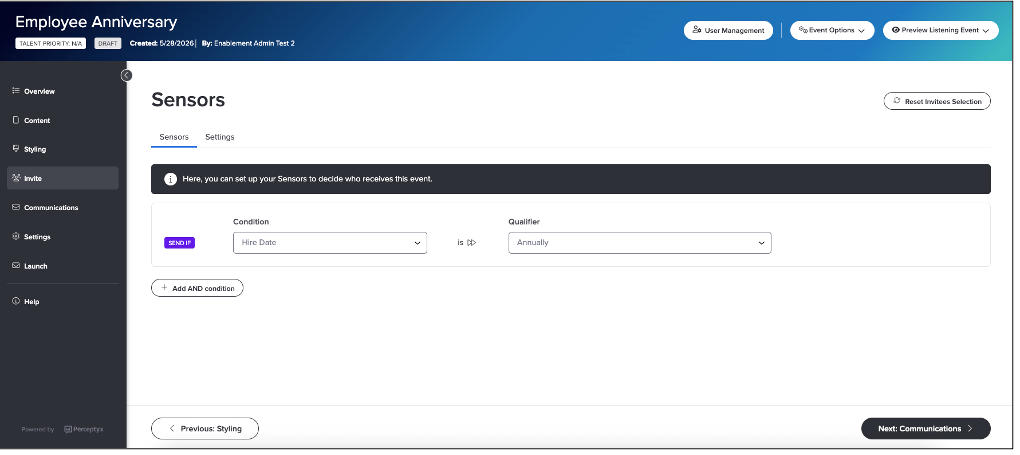
For more details and step-by-step instructions, see the Add Participants | Point-In-Time & Lifecycle Knowledge Base article.
Check back next month!
Check back next month!
Check back next month!
Questions?
If you have questions about the Perceptyx Platform functionality or the latest updates, please reach out to the Customer Care Team or your Customer Success Manager.
Was this article helpful?
That’s Great!
Thank you for your feedback
Sorry! We couldn't be helpful
Thank you for your feedback
Feedback sent
We appreciate your effort and will try to fix the article